

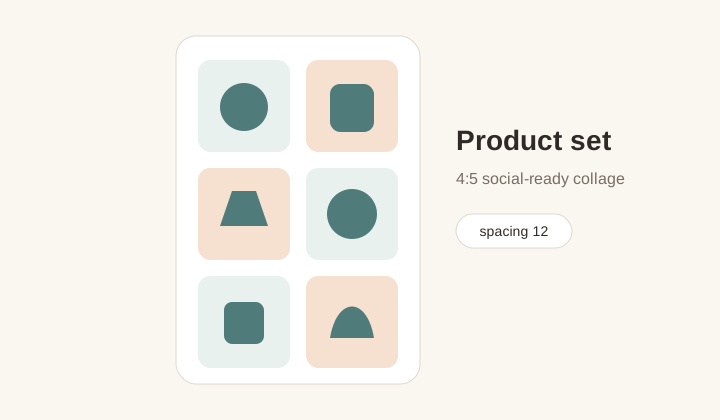
Product set grid
A 4:5 collage that groups related product photos for social commerce posts.
Photo grid maker
Ayusin ang 2-12 photos sa square, 4:5, story, o wide grids at mag-export ng clean PNG.
Compact collage maker para sa posts, moodboards, product sets, at story grids.
Canvas preset
Layout
1 x 1
Canvas
1080x1350
Photos
0
Upload photos to compose a grid.
Auto-fit uses the uploaded photo count. Enter rows or columns only when you want a specific composition.
Workflow
Photo Grid Maker combines many photos into one finished layout. Iba ito sa pag-split ng isang image. Dito, ang goal ay balance: canvas ratio, placement ng photos, spacing, corners, background color, and one clean PNG export for social posts, shops, presentations, or client previews.
A 4:5 collage that groups related product photos for social commerce posts.

A vertical 9:16 grid for travel, events, and behind-the-scenes stories.
Canvas choices
Square works for galleries, 4:5 for Instagram feed, 9:16 for stories, and 16:9 for banners, thumbnails, or slides.
Visual tone
Tight spacing feels editorial. Wider spacing feels like a clean moodboard. Square corners suit products, while soft corners suit lifestyle photos.
Local collage
Photos load locally and render into one canvas. The final PNG can move into schedulers, shops, chats, email, or another editor.
Workflow
Choose photos, pick ratio and layout, polish the style, then download one image.
Photo Grid Maker combines many photos into one collage; Instagram Grid Maker cuts one image into multiple posts.
It is designed for 2 to 12 photos.
Yes. Leave automatic layout on, or enter rows and columns for a fixed structure.
The final collage downloads as PNG.
No. They are rendered locally in the browser.
Use 4:5 for Instagram feed, 1:1 for galleries, 9:16 for stories, and 16:9 for banners.