
Photo overlay
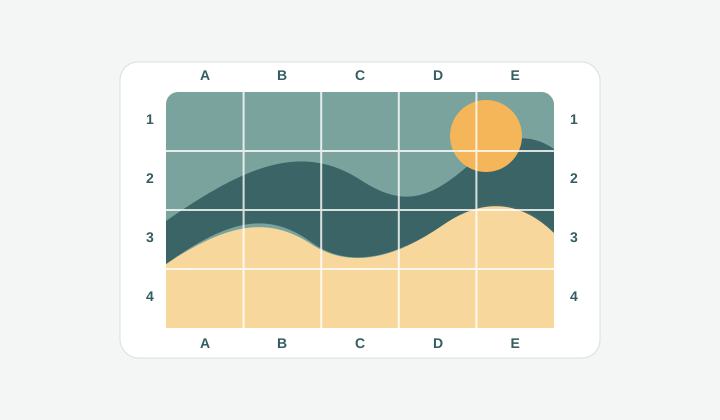
Photo na may rows, columns, at edge labels para madaling pag-usapan ang bawat area.
Add grid to image
Upload ng image, maglagay ng clean grid overlay, ayusin ang rows, columns, labels, diagonals, paper size, at export o print locally.
Focused workspace para sa photos, sketches, references, at printable images na kailangan ng measured grid.
Dito lalabas ang reference image at grid.
Larawan
1200x800px
Grid
8 x 8
Papel
A4 portrait
Laki
210x297mm
Mga marka sa pag-print
7 + 7
Draw 7 vertical marks every 23.8mm and 7 horizontal marks every 34.6mm inside the A4 portrait (210x297mm) margin box.
Workflow
Kapag simple ang goal mo, maglagay lang ng grid lines sa isang image, hindi mo kailangan ng heavy design app. Upload ng photo, sketch, scan, worksheet, product shot, o mockup, piliin ang rows at columns, ayusin ang style, at i-export ang final image na may grid. Local ang rendering, kaya bagay ito para sa private references at quick review.
Photo na may rows, columns, at edge labels para madaling pag-usapan ang bawat area.
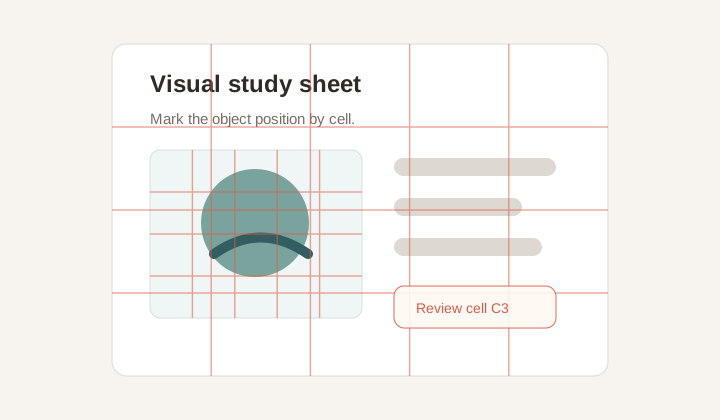
Subtle grid para sa assignments, layout critique, at visual alignment checks.
Flexible overlay
Controlado mo ang line color, width, opacity, labels, diagonals, at grayscale mode. Outer labels keep the image clean habang may coordinates pa rin.
Use cases
Artists use it for proportion, teachers for class materials, designers for feedback, and sellers for marking product positions.
Private export
Gumagawa ang browser ng final PNG. Ang Print/PDF ay image-only, kaya hindi kasama ang controls at page text.
Workflow
Use this kapag kailangan mo ng isang image na may visible coordinate system.
Shared ang grid engine, pero ang page na ito ay para sa broader task ng paglalagay ng grid sa kahit anong image.
Oo. Upload ng photo, piliin ang grid style, at export bilang PNG.
Puwede mong babaan ang opacity, bawasan ang line width, at ilagay sa labas ang labels.
Oo. Print/PDF opens an image-only document.
Oo. Ilagay ang dimensions sa millimeters para sa canvas, panel, o worksheet.
PNG para sa clean digital overlay; Print/PDF para sa physical guide.