

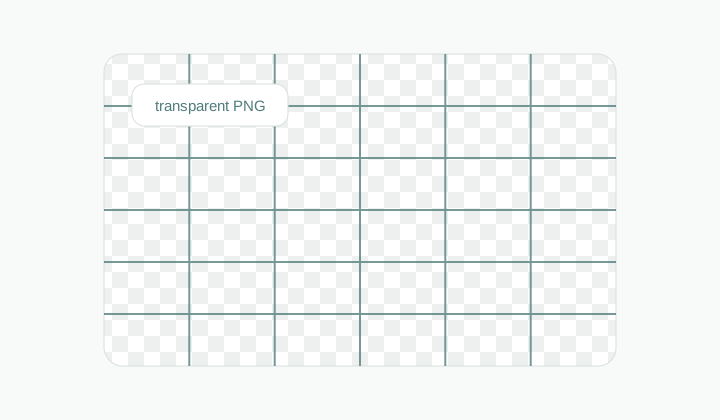
Transparent overlay
A transparent blank grid ready to place over sketches, mockups, or images.
Grid generator
Generate blank SVG, PNG, and CSS grid assets with size, color, rotation, and transparency controls.
No-upload generator para sa layout marks, design overlays, at printable blank grids.
Size presets
Grid
3 x 3
Size
1080x1080
Preset
1080x1080
Use this as a background grid in your own layout.
.gridmaker-grid {
  --gridmaker-cell-width: 360px;
  --gridmaker-cell-height: 360px;
  width: 1080px;
  height: 1080px;
  background-color: #ffffff;
  background-image:
    linear-gradient(#4f7c7b 1px, transparent 1px),
    linear-gradient(90deg, #4f7c7b 1px, transparent 1px);
  background-size: var(--gridmaker-cell-width) var(--gridmaker-cell-height);
  transform: rotate(0deg);
}
Workflow
Grid Generator is for moments when you do not need to upload an image at all. You just need a structure: layout lines, transparent overlay, worksheet grid, or CSS background. Set canvas size, rows, columns, stroke, rotation, colors, and transparency, then export SVG, PNG, or CSS.
A transparent blank grid ready to place over sketches, mockups, or images.
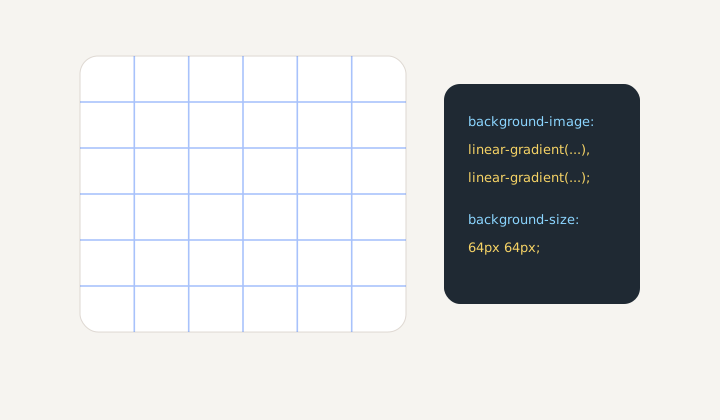
A repeatable CSS pattern for interface mockups and alignment checks.
Blank assets
Designers can plan layouts, teachers can make worksheets, developers can check alignment, and artists can prepare a clean overlay.
Export choice
SVG stays sharp, PNG is convenient for preview and print, and CSS works as a repeatable website background.
Fast iteration
Test 3x3, 6x8, 12-column, or rotated grids quickly. The preview matches the final export.
Workflow
Define the grid first, then choose the export format for your next tool.
No. The grid is created from canvas settings, rows, columns, and colors.
For website or prototype background patterns without an image file.
Yes. Use it for overlays on artwork, screenshots, or design surfaces.
Yes, for diagonal construction marks or dynamic backgrounds.
PNG is quick; SVG is more precise if you will place it in a design app first.
Yes. CSS export and custom sizes help with layout debugging.